Change a role, log someone out or remove a member
1 min readAccount owner
Summary
Look after the people who can log in to your business.
Manage members
- 1
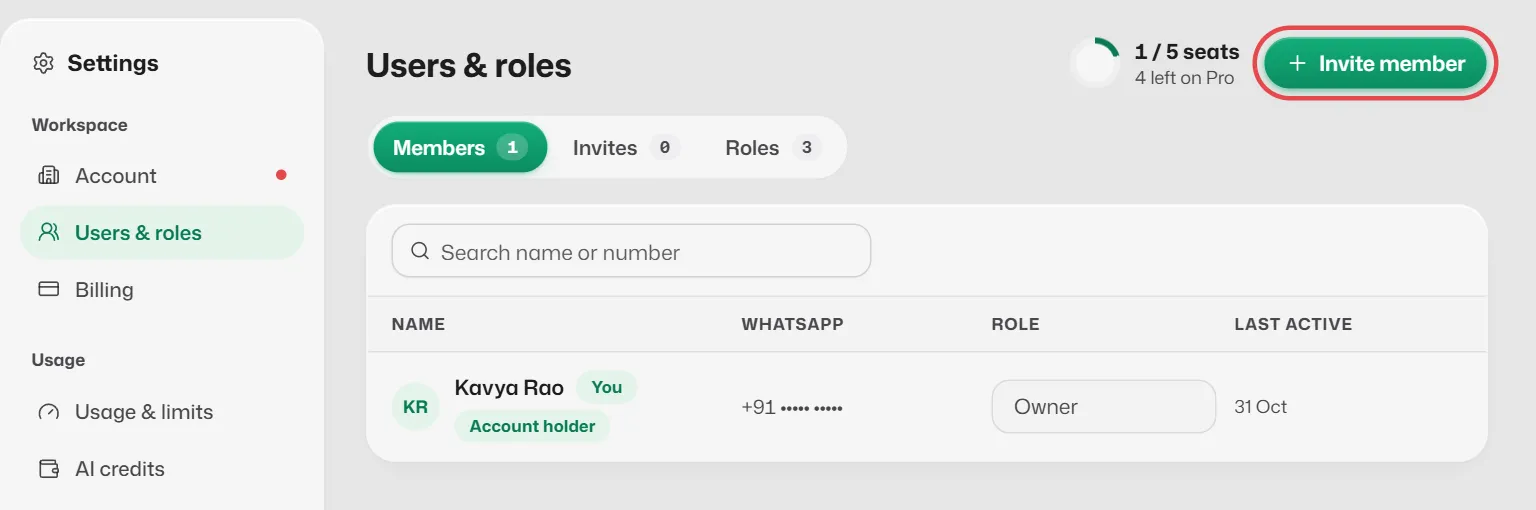
Open Settings → Users & roles → Members.
- 2
To change a role, pick the new one in the Role column.
- 3
For other changes, open the row's menu and choose Edit user, Log out or Remove user.
Withdraw an invitation
- 1
Open the Invites tab.
- 2
Select Withdraw on the invitation. The link stops working.
What you should see
- A removed member can no longer log in, and their seat is free again.
Related articles
Still need help?
Search the FAQs or contact our team by email or phone.