Read your analytics
2 min readManagers and owners
Summary
Bookings, conversations, automation and WhatsApp delivery over 7 days to 12 months, and how to export them.
Open analytics
- 1
In the sidebar, select Analytics.
- 2
Pick a period: 7 days, 30 days, 90 days or 12 months (12 months is on Pro).
- 3
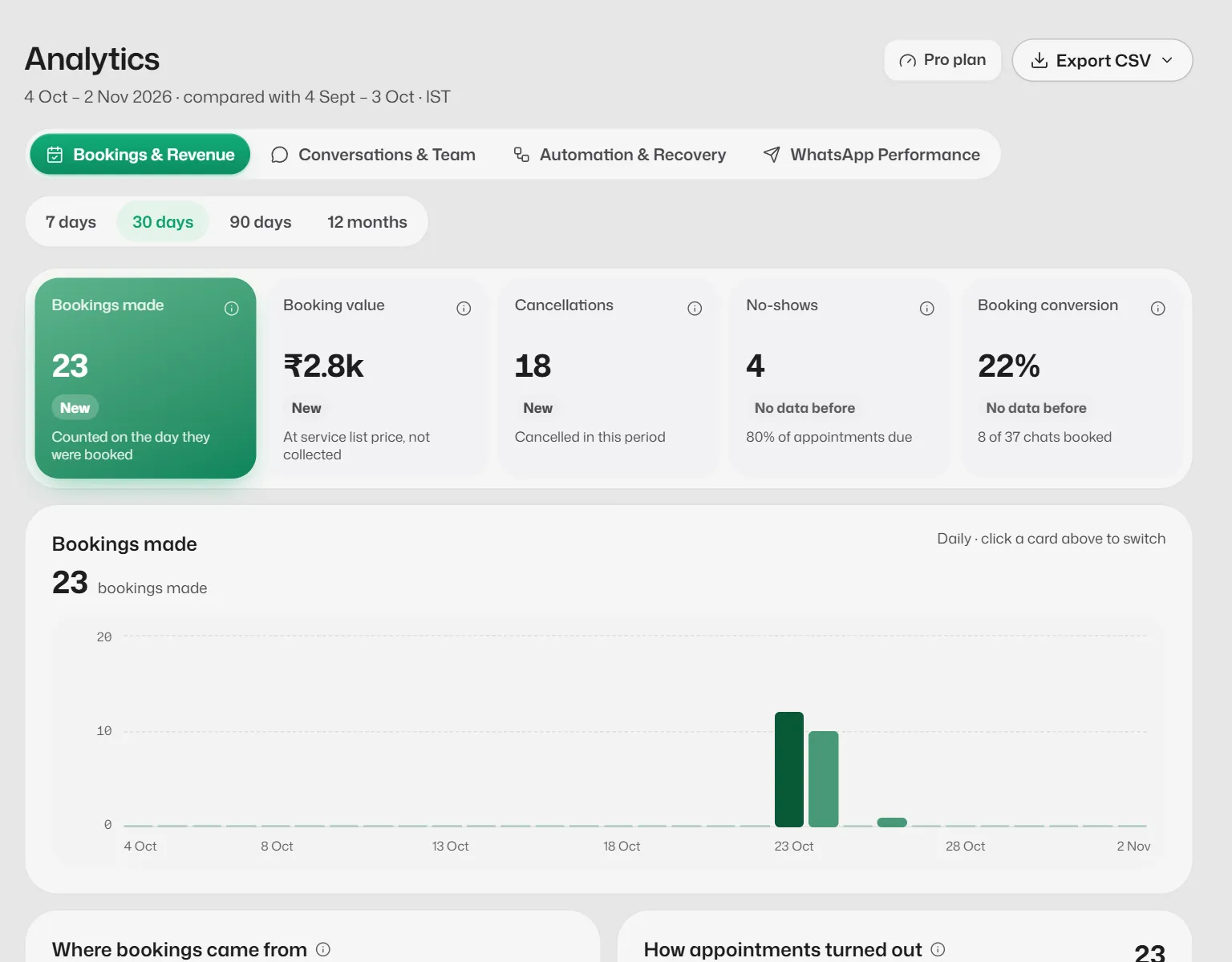
Switch between the four tabs.
The four tabs
- Bookings & Revenue: bookings made, booking value at list price, cancellations, no-shows, where bookings came from and the most booked services. Booking value is shown to the owner only.
- Conversations & Team: conversations started, messages, bot replies, when customers write and in which languages. Growth adds who handled chats, handoff reasons and team performance.
- Automation & Recovery: bot and AI replies, Credits spent (AI credits used in the chosen period) and, on Growth, how each reply flow performs.
- WhatsApp Performance: messages sent, delivered, failed and read, and which ones Meta charges for.
Sections your plan does not include show a lock and the plan that adds them.
Export
- 1
Select Export CSV.
- 2
Choose Daily figures or Bookings list (every plan), Conversations and team (Growth) or Full history (Pro).
If something goes wrong
- "Couldn't load analytics."
- Your bookings and chats are safe. Select Try again in a moment.
- Booking value says Owner only.
- Only the account owner sees money figures.
Related articles
Still need help?
Search the FAQs or contact our team by email or phone.