Disconnect your WhatsApp number
1 min readAccount owner
Summary
Stop Slot Reply from using your number, for example before moving to another number.
Disconnect
- 1
In the sidebar, select Connect WhatsApp.
- 2
Select Disconnect and confirm.
You can also do this from Settings → Account → Data & privacy → Disconnect WhatsApp.
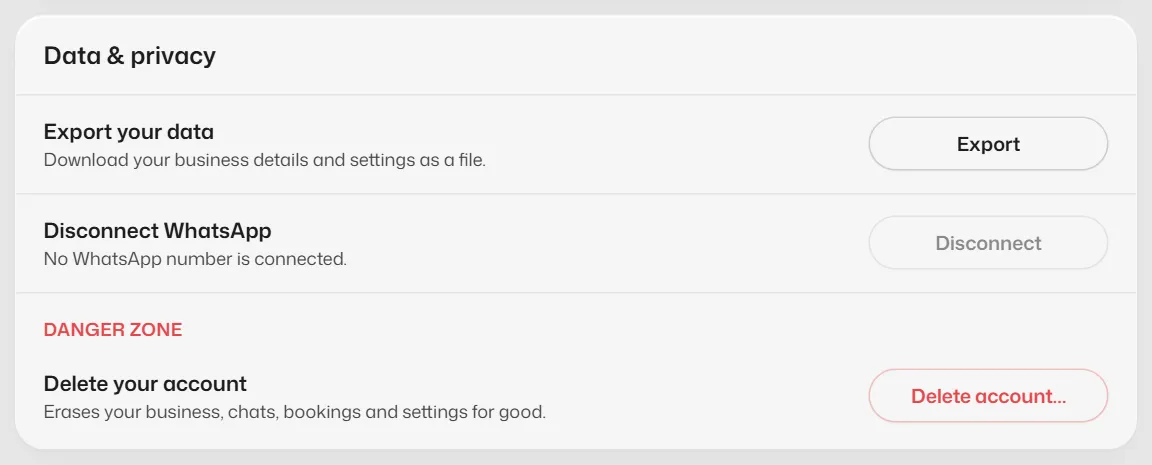
What you should see
- You see WhatsApp disconnected. The assistant stops answering on that number at once.
- Your chats, bookings and settings stay in Slot Reply.
Related articles
Still need help?
Search the FAQs or contact our team by email or phone.