Export your data or delete your account
1 min readAccount owner
Summary
Download a copy of your data, or close your account for good.
Export your data
- 1
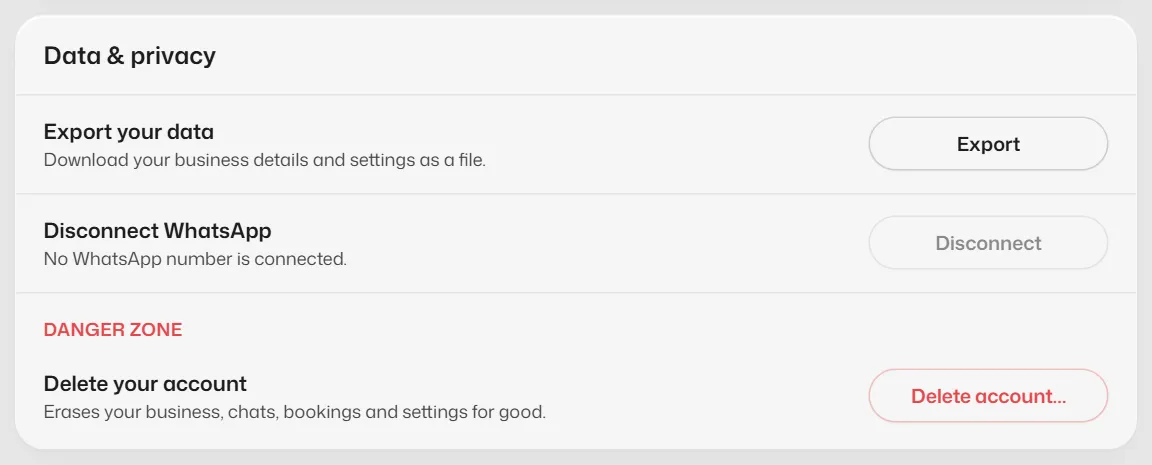
Open Settings → Account → Data & privacy.
- 2
Select Export next to Export your data.
Delete your account
- 1
In the same section, under Danger zone, select Delete account….
- 2
Type your business name to confirm and select Send code.
- 3
Type the 6-digit code from WhatsApp and select Delete.
This cannot be undone, and prepaid time is not refunded. Export your data first if you may need it.
If something goes wrong
- "We couldn't send a code to your WhatsApp."
- Contact support and we will delete the account for you. See also Data deletion.
Related articles
Still need help?
Search the FAQs or contact our team by email or phone.