Turn auto-replies on or off
Summary
Pause the assistant for the whole business, for example during a team meeting, and switch it back on.
Switch it
- 1
Use the Auto-replies switch at the bottom of the sidebar, or open the account menu at the top right of Home.
- 2
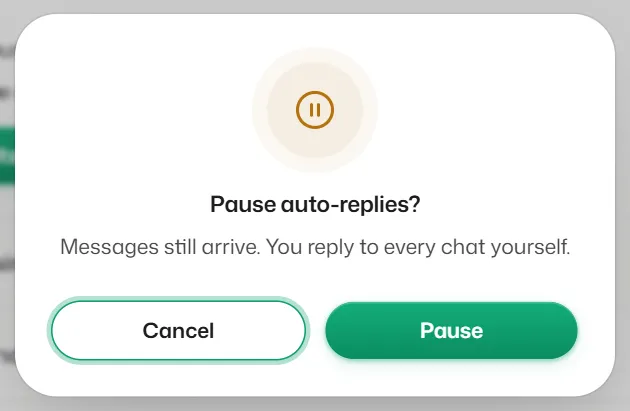
To pause, confirm Pause auto-replies?. Messages still arrive, and you reply to every chat yourself.
- 3
Switch it on again when you are ready.
If something goes wrong
- "Only a manager or the owner can turn auto-replies on or off."
- Receptionists cannot change it. Ask a manager or the owner.
Related articles
How automatic replies work
What the assistant answers, in which order it tries things, and when it passes a chat to your team.
Take over a chat and give it back to the bot
Pause the assistant for one chat while you handle it, then hand it back when you are done.
The bot is not replying to customers
Work through these checks, in order, when customers get no automatic answer.
Still need help?
Search the FAQs or contact our team by email or phone.