Use a coupon code
1 min readAccount owner
Summary
Apply a coupon to lengthen your free trial.
Apply a code
- 1
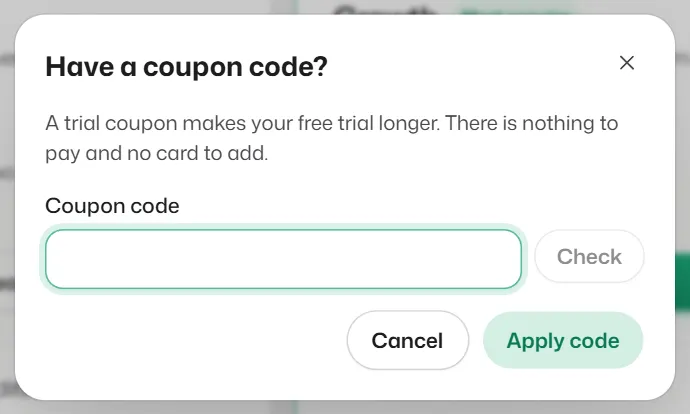
During your trial, open Plans or Settings → Billing and select Have a coupon code?. You can also enter it while signing up.
- 2
Type the Coupon code and select Apply code.
What you should see
- You see Your trial now runs until and the new end date.
If something goes wrong
- "We don't recognise this code."
- Check the spelling and try again.
- "This code is only for new accounts on their free trial."
- Coupons work during the free trial only, and only one per account.
- "Your trial already runs at least this long."
- The code would not add any days to your trial.
Related articles
Still need help?
Search the FAQs or contact our team by email or phone.