Payments and invoices
1 min readAccount owner
Summary
See what you have paid and open the invoice for each payment.
Invoices can be viewed on screen. Downloading an invoice as a PDF is not available yet.
See payments and invoices
- 1
Open Settings → Billing → History.
- 2
Switch between Payments and Invoices.
- 3
Select View on an invoice to open it.
Invoices for credit packs can also be opened from Settings → AI credits → Transactions → Credits added.
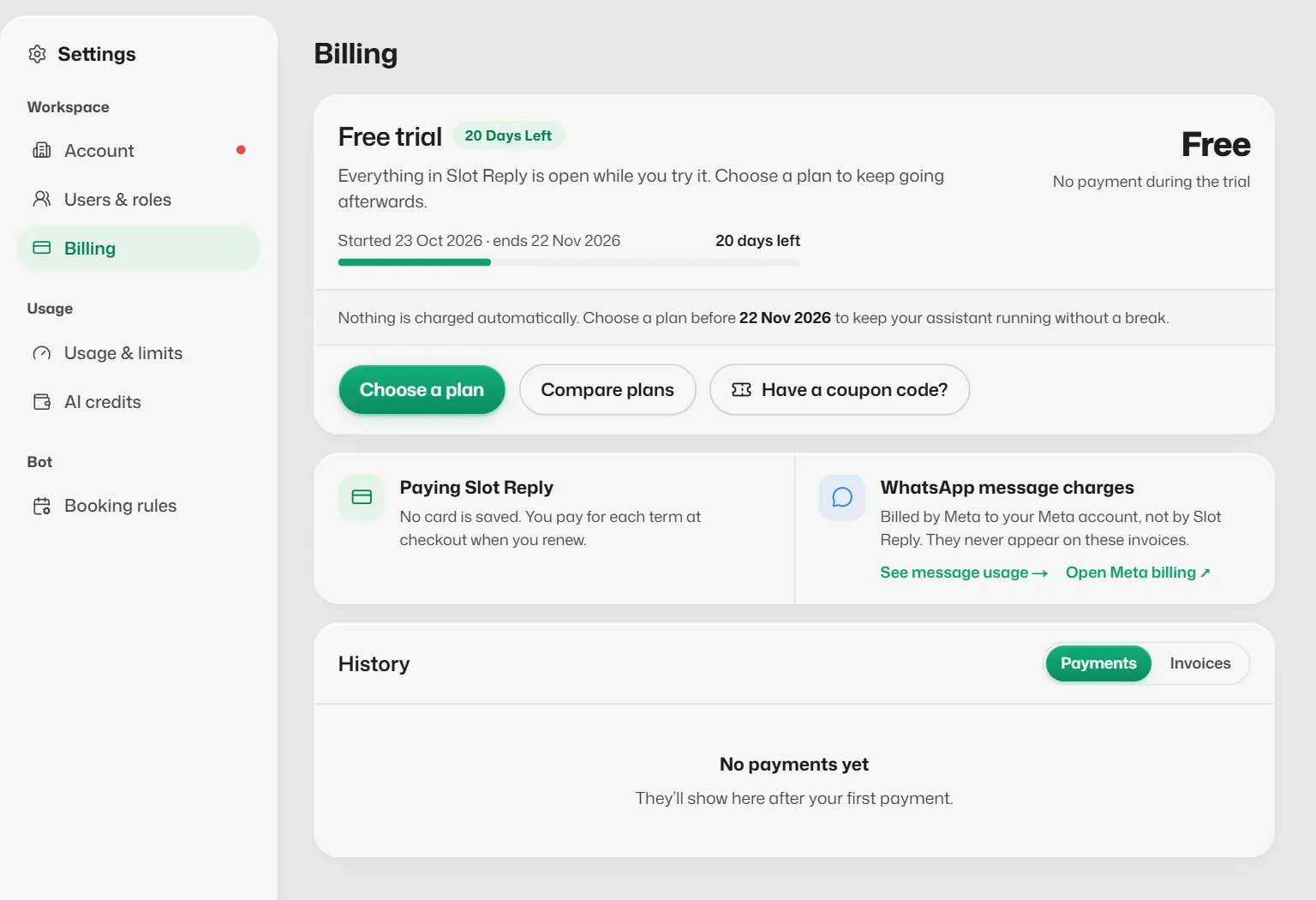
WhatsApp charges
Meta bills WhatsApp message charges to you directly. Open Meta billing in the Billing page takes you there.
If something goes wrong
- A payment shows Refund failed, our team will contact you.
- Nothing for you to do. If you have not heard from us in a few days, contact support.
Related articles
Still need help?
Search the FAQs or contact our team by email or phone.