Renew, upgrade or downgrade
Summary
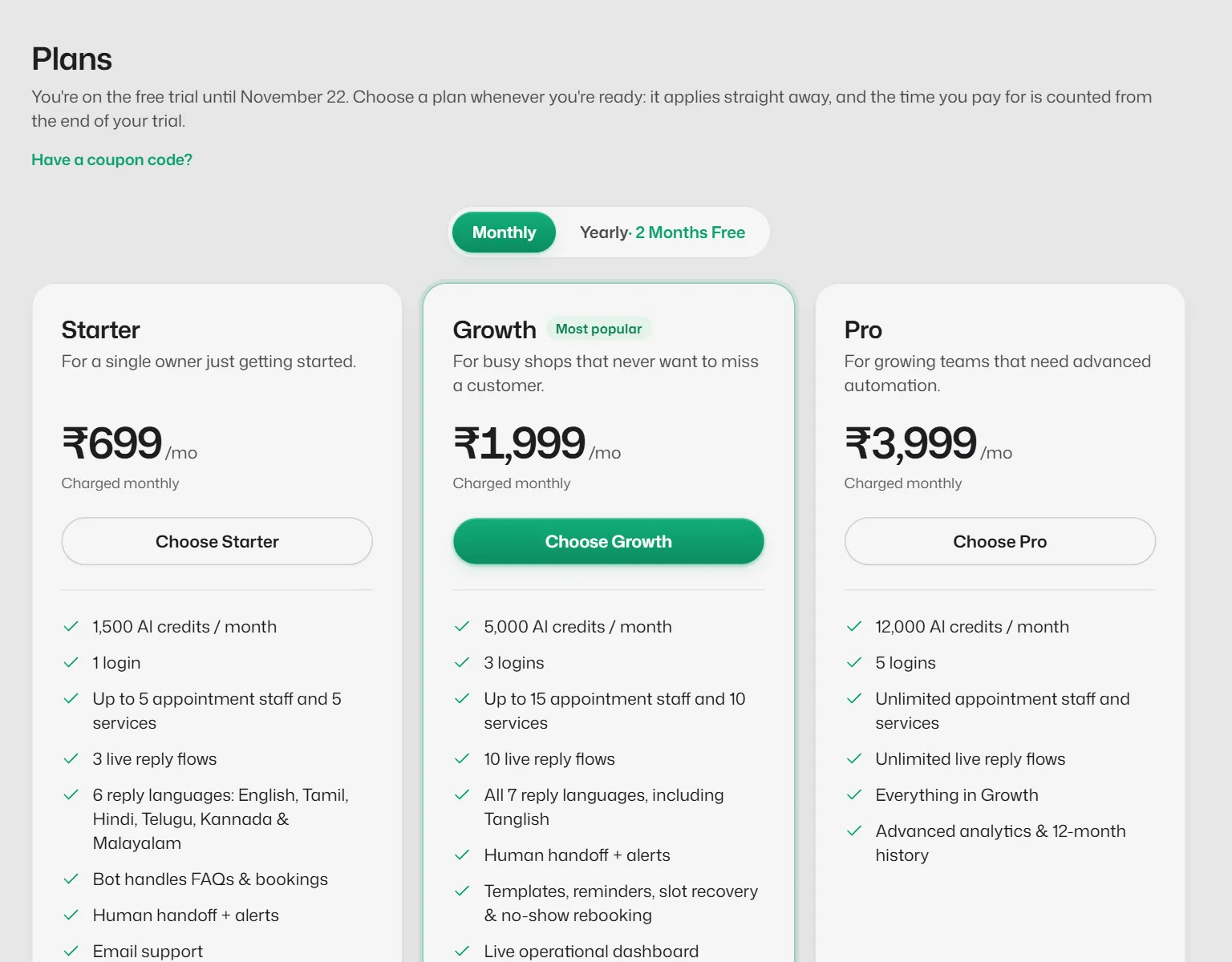
Extend your current plan, or move to another plan.
Renew
- 1
Open Settings → Billing → Change or renew plan.
- 2
Select Renew this plan and pay. The new term is added after the current one.
Move to another plan
- 1
On the same screen, select Choose on the other plan.
- 2
Read the confirmation. A new plan starts today, and unused days of your current plan are not carried over; the dialog shows how many.
- 3
Select Continue to payment, or Keep your current plan.
Moving to a smaller plan keeps everything you already have. You only cannot add more than the new plan allows.
Related articles
Choose a plan
Compare Starter, Growth and Pro and pay for a monthly or yearly term.
End your plan
Stop your plan at the end of the time you have paid for, and undo it if you change your mind.
Check your plan's limits
See how many live flows, FAQs, staff, services and logins you use against what your plan allows.
Still need help?
Search the FAQs or contact our team by email or phone.