Log in with a WhatsApp code
2 min read
Summary
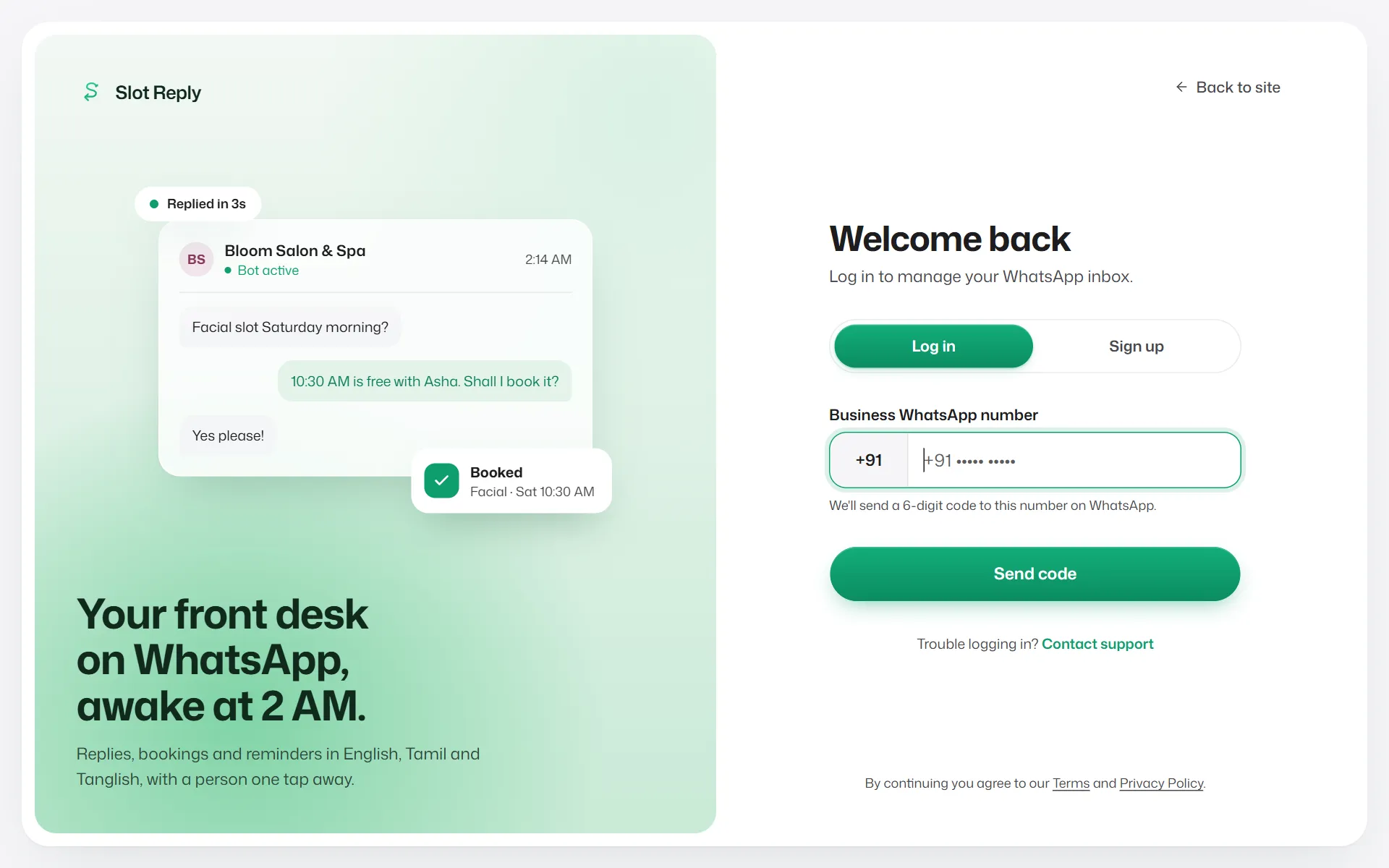
Slot Reply has no passwords. You log in with your phone number and a 6-digit code sent to you on WhatsApp.
Log in
- 1
Go to the Slot Reply website and select Log in.
- 2
Type your Business WhatsApp number and select Send code.
- 3
Type the 6-digit code from WhatsApp. You are taken to your dashboard.
Things to know
- Team members log in the same way, with their own number, after they have joined. See Join a team you were invited to.
- If you belong to more than one business, switch between them under Switch business at the bottom of the sidebar.
- If you see "Your session expired", log in again. Nothing you saved is lost.
- Signing in with an email address is not available.
If something goes wrong
- I typed my number but the sign-up steps appeared.
- There is no account for that number yet. Check the number, or select Log in with a different number.
- "A code was just sent."
- Wait for the timer shown, then request another code.
- "Too many incorrect codes."
- The number is locked for a short while to protect your account. Try again after the time shown.
- "This account is suspended."
- Contact support to restore access.
Related articles
Create your account and start the free trial
Sign up with your business details, verify your phone number with a WhatsApp code and start your 7-day free trial.
I can't log in
What to do when the code does not arrive or is not accepted.
Join a team you were invited to
For staff: open the invitation link, verify your number with a WhatsApp code and start using the dashboard.
Still need help?
Search the FAQs or contact our team by email or phone.