I can't log in
1 min read
Summary
What to do when the code does not arrive or is not accepted.
Check these
- 1
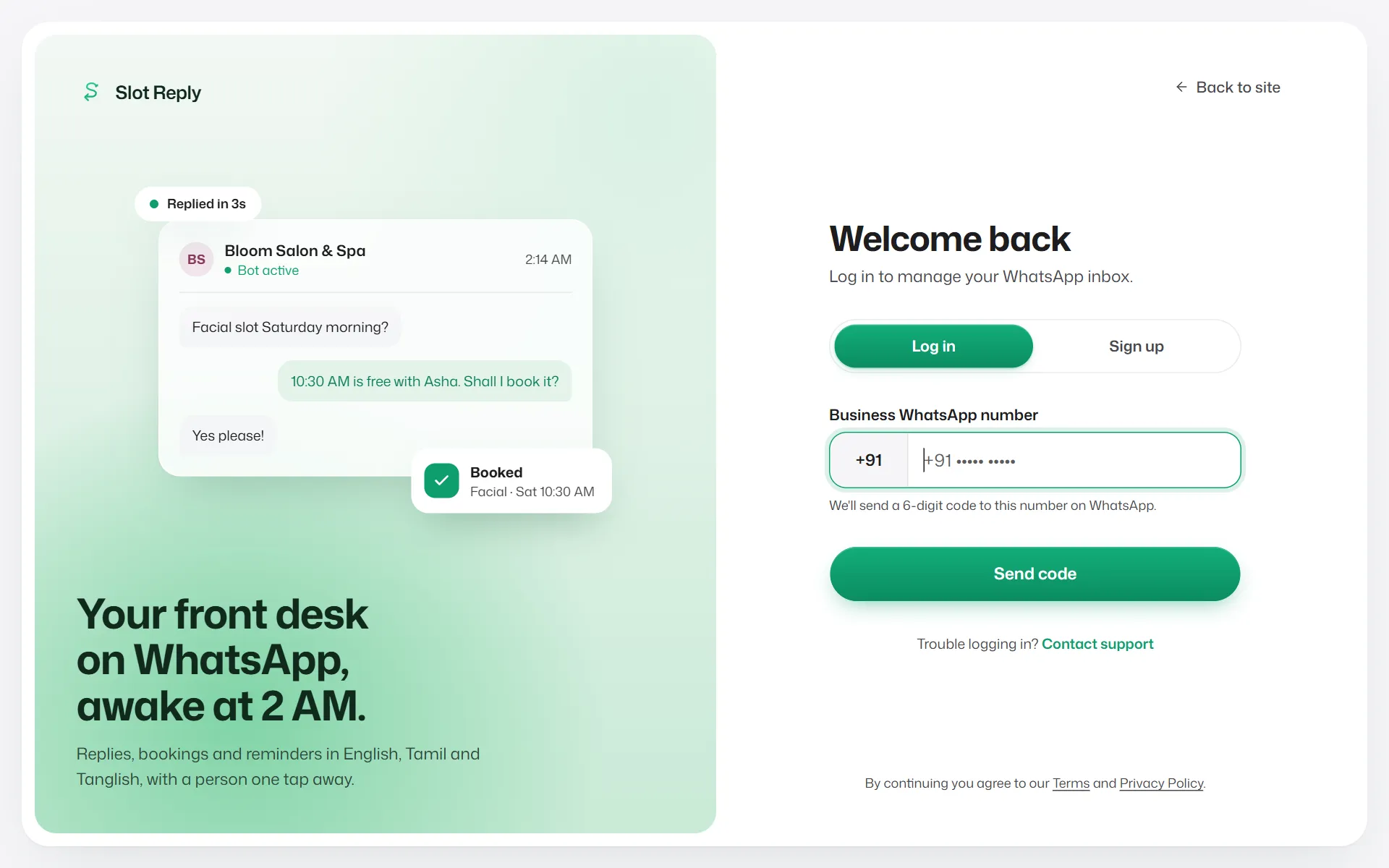
Type the number you signed up with, with the right country code.
- 2
Open WhatsApp on that phone. The code comes as a WhatsApp message, not an SMS.
- 3
Use the newest code. A code works for 5 minutes.
- 4
If you see a timer, wait for it before asking for another code.
If something goes wrong
- "Too many incorrect codes."
- Your number is locked for a while to keep the account safe. Wait for the time shown.
- "This account is suspended."
- Contact support.
- I changed my phone number.
- Contact support to move the account to your new number.
Related articles
Still need help?
Search the FAQs or contact our team by email or phone.