Booking rules
1 min readManagers and owners
Summary
Time slots, notice, how far ahead people can book, who they book with, no-shows and freed-up times.
Open the rules
- 1
Open Settings → Booking rules (under Bot).
- 2
Change what you need, then select Save changes in the bar at the bottom.
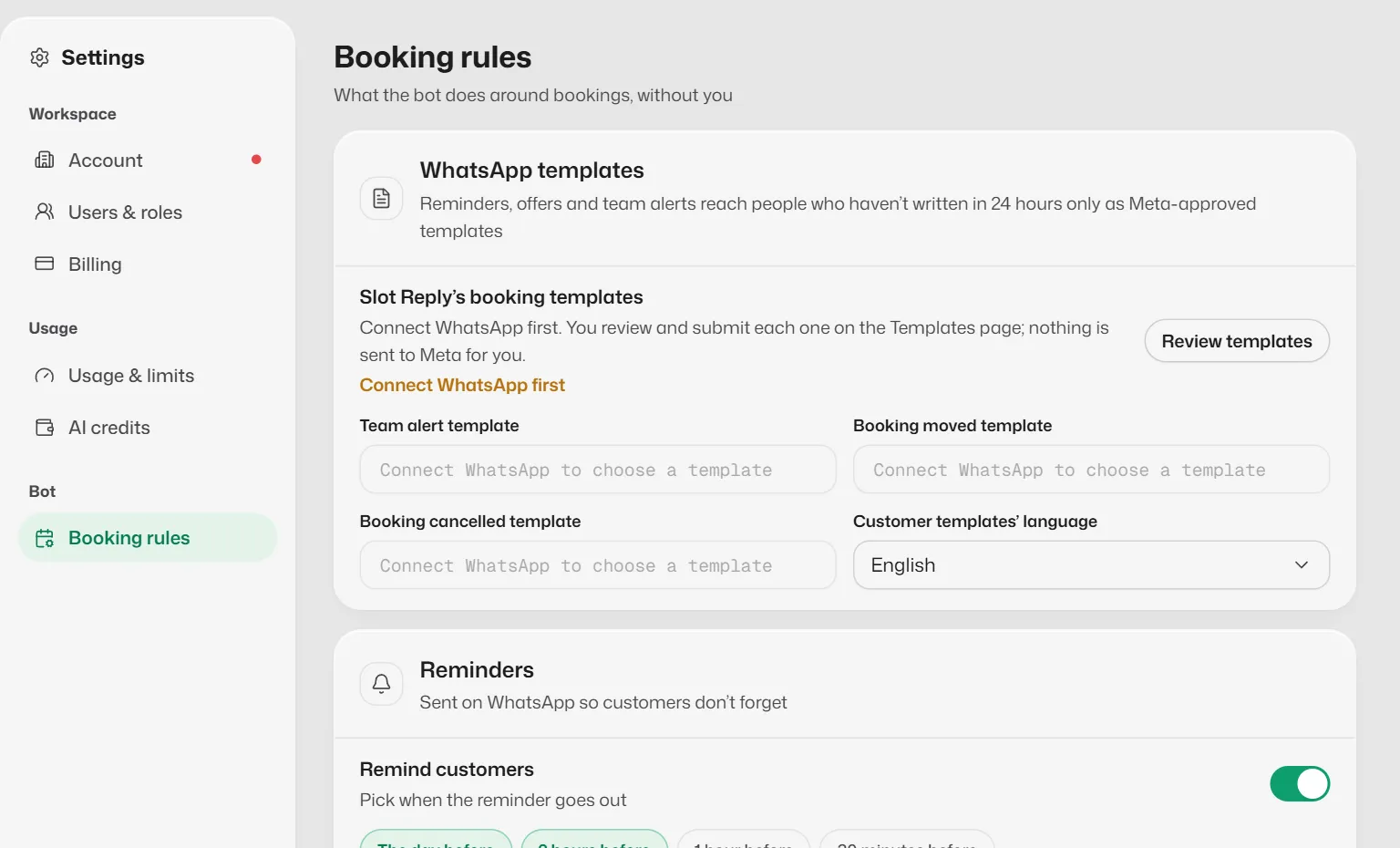
What each card does
- Booking times: time zone, Start times every (10 to 60 minutes), default length, Minimum notice and Book up to (7 to 90 days ahead).
- Customers on WhatsApp: switch booking, rescheduling, cancelling and checking on or off; choose Who they book with; write your own messages.
- Reminders: when customers are reminded. See Appointment reminders.
- Freed-up times: Offer to the waitlist and Hold each offer for (Growth and Pro).
- No-shows: Mark no-shows automatically after a set time, and Invite them to rebook (Growth and Pro).
- WhatsApp templates: the templates used for team alerts and for moved and cancelled bookings, and their language.
What you should see
- You see Booking rules saved.
Related articles
How customers book, move and cancel on WhatsApp
What the assistant does when a customer asks for an appointment, wants to change it or cancel it.
Appointment reminders
Send customers WhatsApp reminders before their appointment, and let them confirm with one tap.
The waitlist
Keep a list of customers who want an earlier time, and offer them a slot when one frees up.
Still need help?
Search the FAQs or contact our team by email or phone.