The waitlist
1 min readGrowth and Pro
Summary
Keep a list of customers who want an earlier time, and offer them a slot when one frees up.
Add someone to the waitlist
- 1
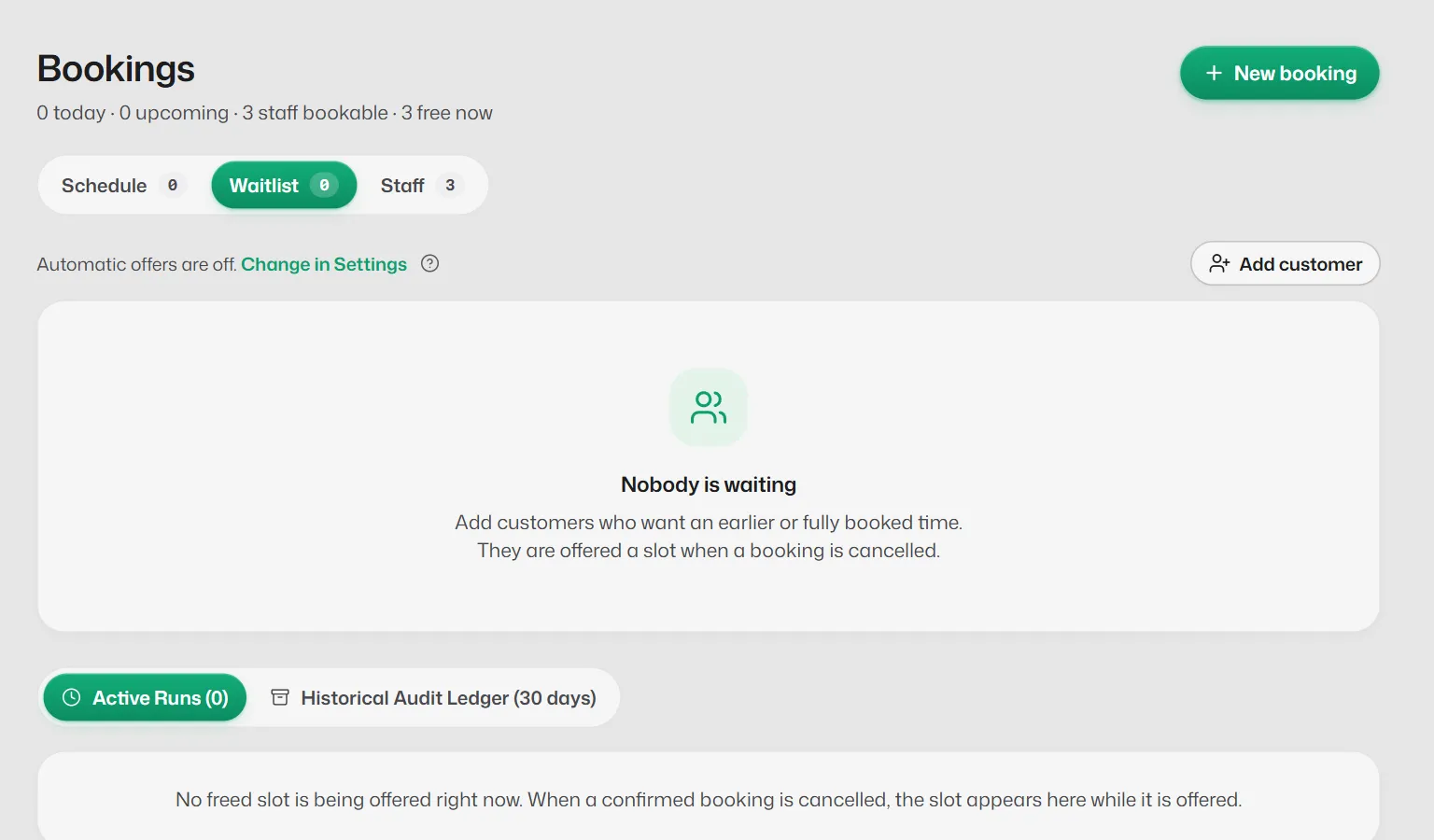
Open Bookings → Waitlist and select Add customer.
- 2
Pick the customer. They must have messaged you on WhatsApp before.
- 3
Choose what they are Waiting for (or any service), the dates if any, and notes. Save.
When a time frees up
- With Offer to the waitlist on in Booking rules, a cancelled time is offered on WhatsApp to the people waiting for it.
- Each offer is held for the time you set. The row shows Offer sent and the minutes left.
- You can also select Book a time on a row to book them yourself, or Stop offering.
If something goes wrong
- "No WhatsApp chats match."
- Only customers who have messaged you can be added.
Related articles
Still need help?
Search the FAQs or contact our team by email or phone.