Appointment reminders
1 min readManagers and ownersGrowth and Pro
Summary
Send customers WhatsApp reminders before their appointment, and let them confirm with one tap.
Before you start
- An approved booking reminder template. Without one, a reminder only reaches customers who wrote to you in the last 24 hours. See Booking message templates.
Switch reminders on
- 1
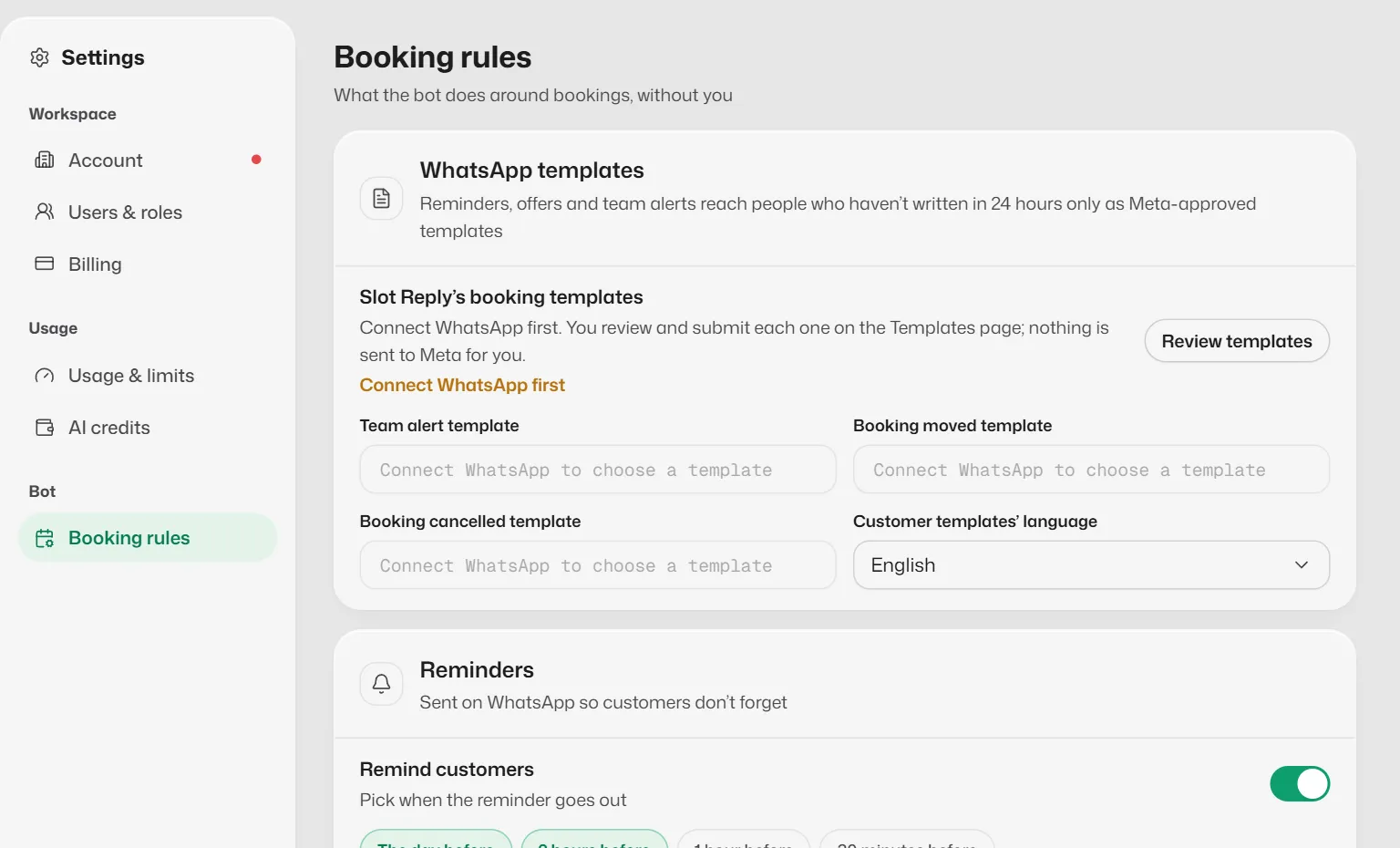
Open Settings → Booking rules → Reminders.
- 2
Turn on Remind customers.
- 3
Pick up to 3 times: The day before, 2 hours before, 1 hour before or 30 minutes before.
- 4
Select Save changes.
Good to know
- Reminders go only for bookings linked to a WhatsApp chat.
- When a customer taps Confirm, a tick shows on the booking in the timeline.
- When a booking is moved, its reminders move with it.
Related articles
Still need help?
Search the FAQs or contact our team by email or phone.