Block or unblock a customer
1 min readManagers and owners
Summary
Stop all replies and messages to a customer from Slot Reply, for example after spam or abuse.
Block
- 1
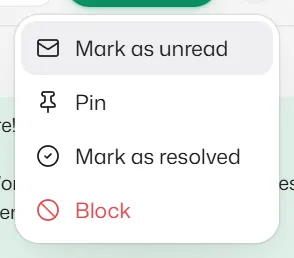
Open the chat, select ⋯ and choose Block.
- 2
Confirm. Nothing is sent to them and their messages get no reply.
This only applies inside Slot Reply. It does not block the number in WhatsApp itself.
Unblock
- 1
Select Unblock in the red bar on the chat, or in the ⋯ menu.
Related articles
Still need help?
Search the FAQs or contact our team by email or phone.