Translate chats in the inbox
1 min readManagers and ownersGrowth and Pro
Summary
Read customers' messages in your team's language and send replies translated into theirs.
Switch it on
- 1
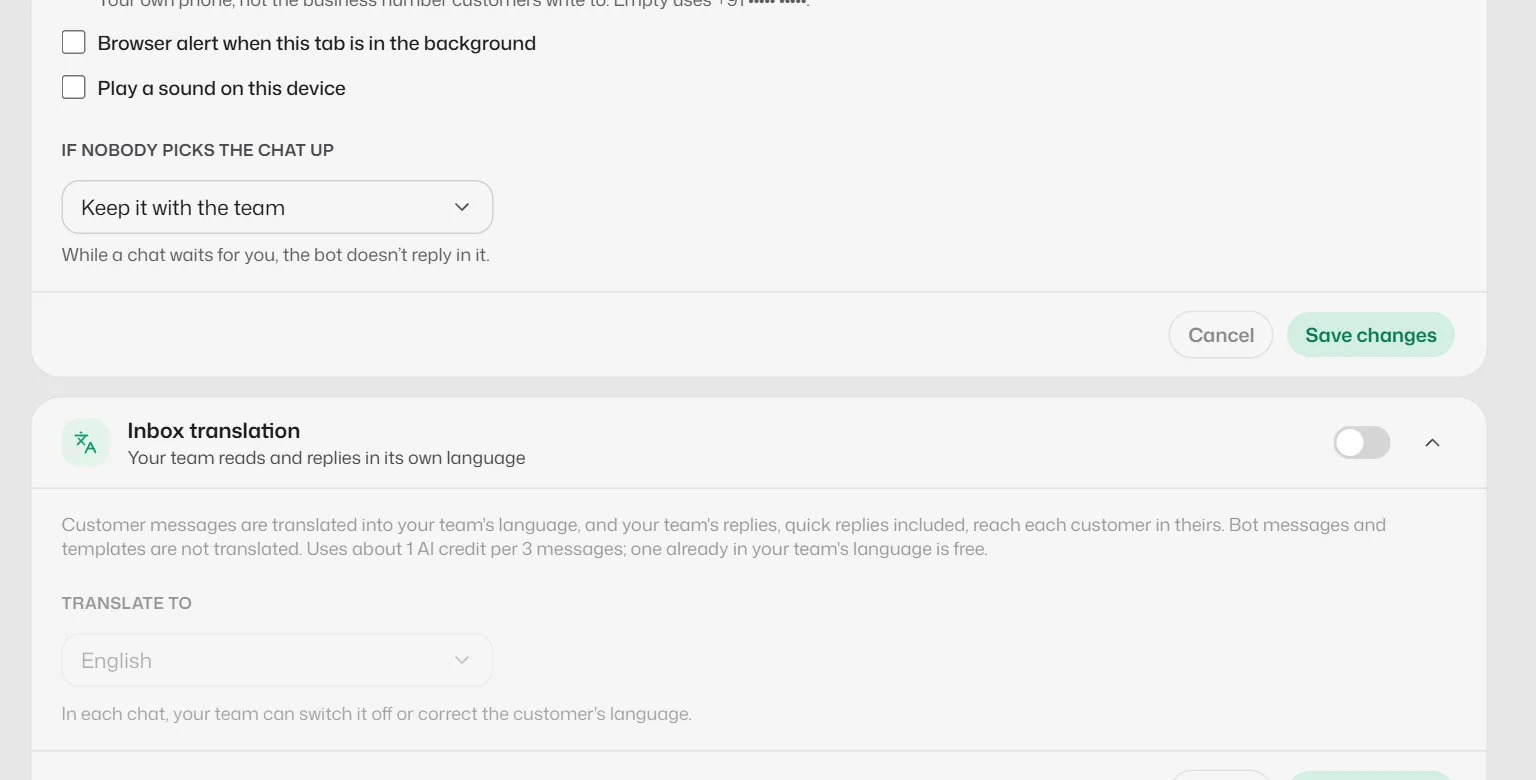
Open Business info → Personality & handoff → Inbox translation.
- 2
Turn on AI translation in the inbox and choose Translate to.
- 3
Select Save changes.
In a chat
- A strip shows, for example, "AI translation is on · Hindi → English". Select it to change the languages for that chat.
- Translation uses AI credits: about 1 credit for every 3 messages.
- If a reply cannot be translated, you are asked whether to Send as typed.
Related articles
Still need help?
Search the FAQs or contact our team by email or phone.