Change your name or email (Your profile)
Summary
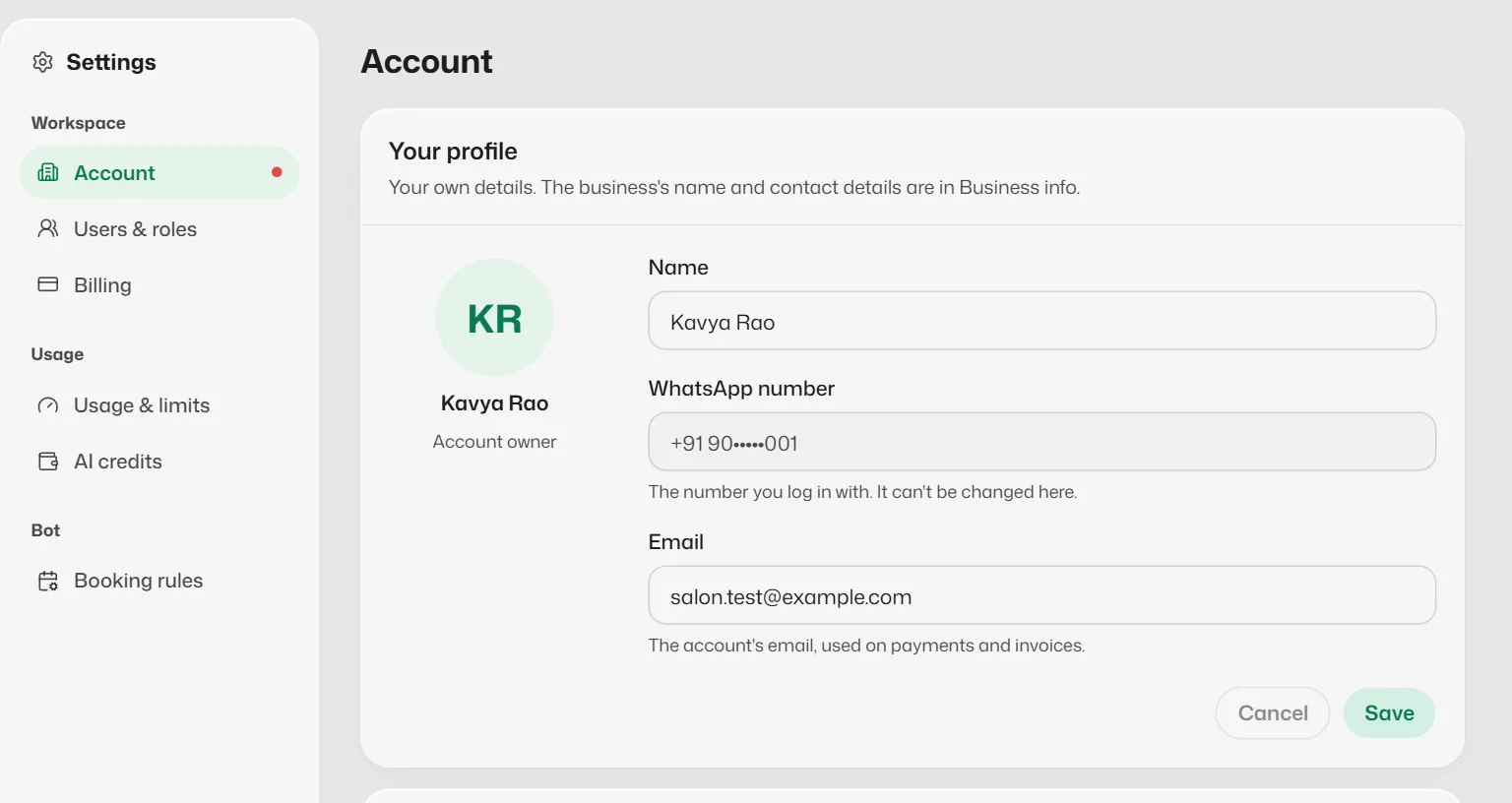
Your profile, the first card in Settings → Account, holds your own name, the number you log in with and, for the account owner, the account's email. It is separate from your business's details.
Open your profile
- 1
Open Settings, then Account. Your profile is the first card.
- 2
Shortcuts: select your name at the bottom of the sidebar, or on Home open the account menu at the top right (your initials) and select Your profile.
Change your details
- 1
Change your Name. This is how Slot Reply greets you, and the name shown on the sidebar and the account menu.
- 2
If you opened the account, you can also change the Email. It is the account's email, used on payments and invoices.
Team members do not see an email field: the account's email belongs to whoever opened the account.
- 3
Select Save. Save stays greyed out until you change something; Cancel puts back what was saved.
Things to know
- Your WhatsApp number is the number you log in with. It is shown here but can't be changed. Contact support if it has to change.
- Your name is your own, so it is the same in every business you belong to. If an owner had given you a different name in Users & roles, saving your profile replaces it in this business. The owner can still rename you there.
- Your business's name, phone and email for customers are in Business info, not here. See Fill in your business profile.
- Changing your name does not rename you in the booking diary. Edit your staff entry in Bookings → Staff if you are bookable.
- Slot Reply doesn't send a confirmation email when you change the email.
What you should see
- Your new name shows straight away in the greeting on Home, on the sidebar and in the account menu.
If something goes wrong
- "Another account already uses this email."
- Each Slot Reply account needs its own email. Use a different one, or contact support if the other account is also yours.
- "Enter a valid email address."
- Check for spaces or a missing part, such as name@example.com.
Related articles
Still need help?
Search the FAQs or contact our team by email or phone.