The ready-made flows
Summary
Three flows you can start from: Welcome menu, After-visit feedback and FAQ menu.
Use one
- 1
Open Reply flows → Templates (filter by Everyday or After the visit), or READY-MADE FLOWS in the builder. Select Preview (the eye icon in the builder) to look inside one.
- 2
Select Use template. It becomes a new flow's draft; nothing goes live yet.
- 3
Change the wording, test it with Try it, then turn Live on.
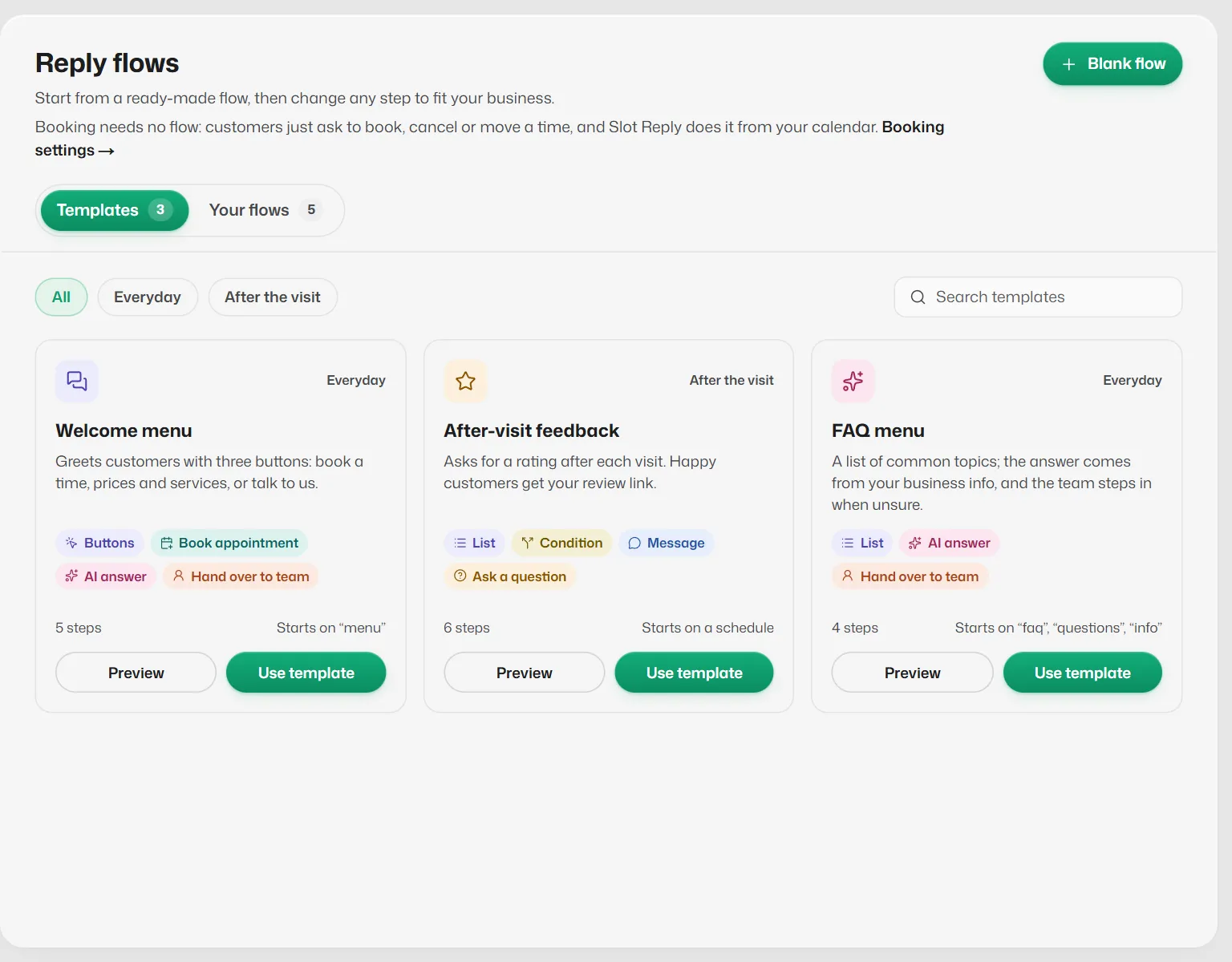
After-visit feedback (Growth and Pro)
- Starts 2 hours after each visit (Scheduled).
- A List asks "How was your @service with @staff today?" with Excellent, Good, Okay and Poor, saved as @rating.
- A Condition sends happy customers (Excellent or Good) a thank-you with a review link. Replace the link with your own Google review link.
- Others are asked what could be better (saved as @feedback), then handed to your team.
- The checks list suggests starting it with a WhatsApp template step, because the customer may not have written in the last 24 hours.
Related articles
Build a flow and make it live
A worked example: a welcome menu with three buttons, built from scratch, tested and made live.
The List step
Sends a menu of up to 10 choices that opens from a button. Use it when 3 buttons are not enough.
The Condition step
Checks one thing about the customer or their answer, then goes one of two ways.
Still need help?
Search the FAQs or contact our team by email or phone.