The Hand over to team and End flow steps
2 min readManagers and owners
Summary
Two ways to finish a flow: pass the chat to a person, or stop and let the assistant carry on.
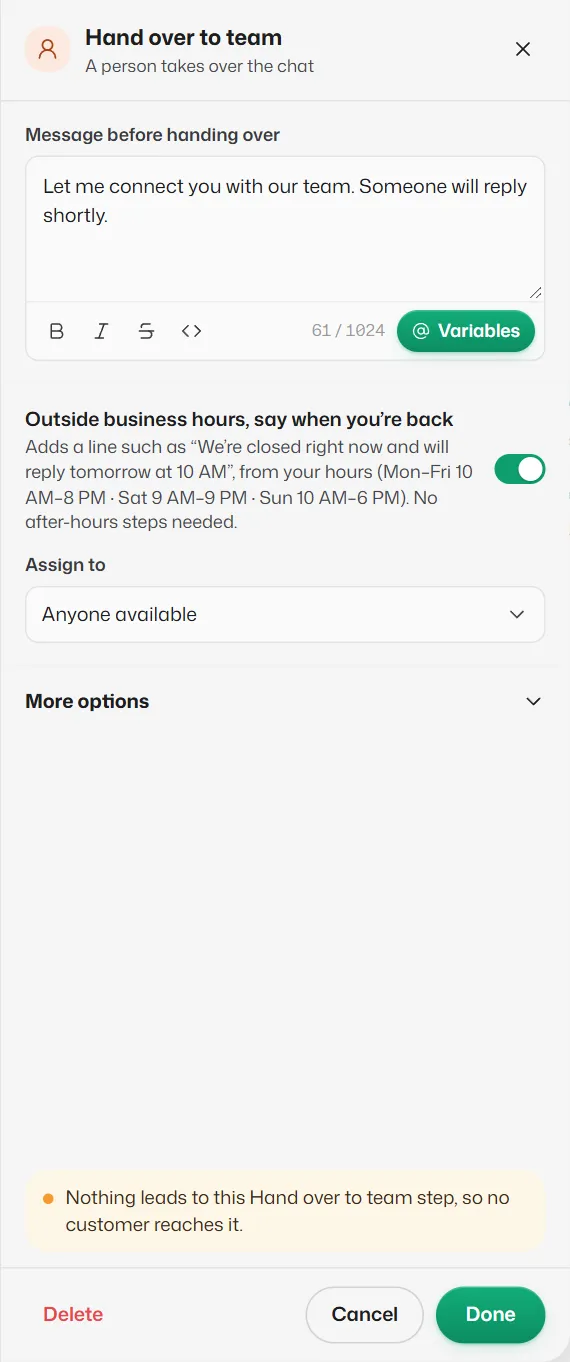
Hand over to team
- Message before handing over: what the customer is told. Starts as "Let me connect you with our team. Someone will reply shortly."
- Outside business hours, say when you’re back: on, a line like "We’re closed right now and will reply tomorrow at 10 AM" is added from your opening hours.
- Assign to: Anyone available, or one team member.
- No way out: the bot stops, and the chat shows under Needs you. Your team is alerted as set in Get alerted when a customer needs you. Available on every plan.
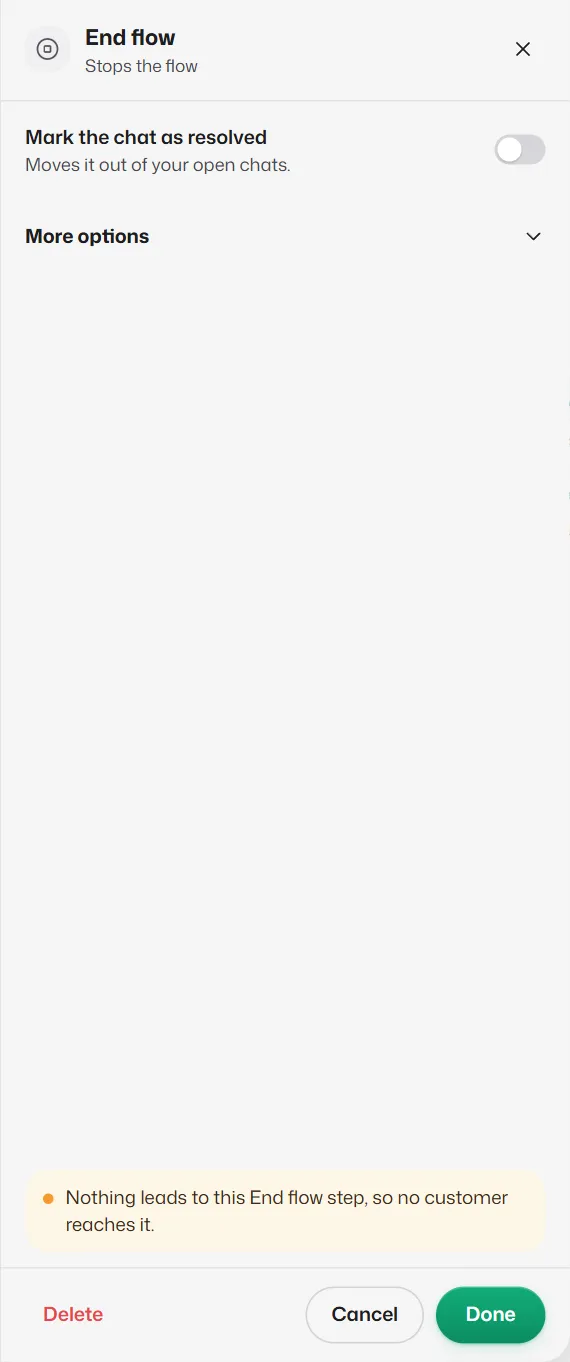
End flow
- Mark the chat as resolved: on, the chat moves out of your open chats.
- No way out. The flow stops and the assistant keeps the chat, so the customer's next message is answered as usual.
A way out left on Nothing also ends the flow. Steps joined after a Hand over or End step are never reached; the checks list warns about them.
Related articles
Get alerted when a customer needs you
When the bot hands a chat to your team, get a WhatsApp alert on your own phone, a pop-up and a sound.
Take over a chat and give it back to the bot
Pause the assistant for one chat while you handle it, then hand it back when you are done.
What happens while a customer is in a flow
When the bot waits for a reply, how long it waits, and what happens if the customer asks for something else.
Still need help?
Search the FAQs or contact our team by email or phone.